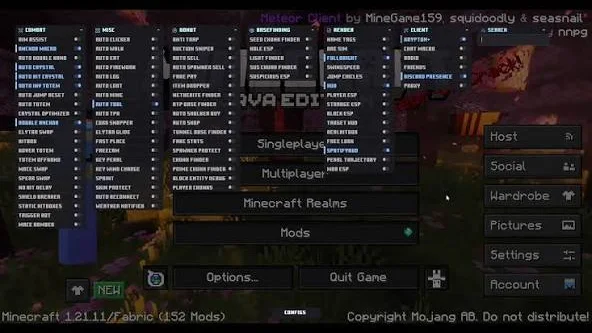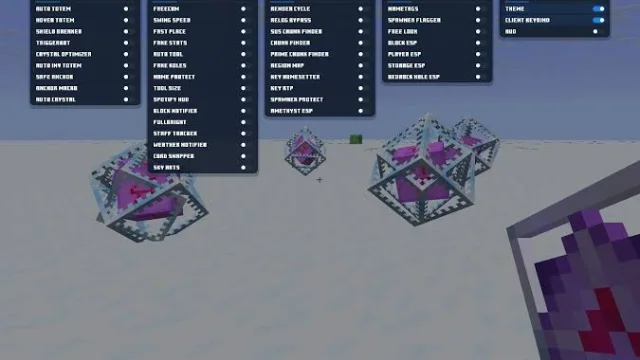
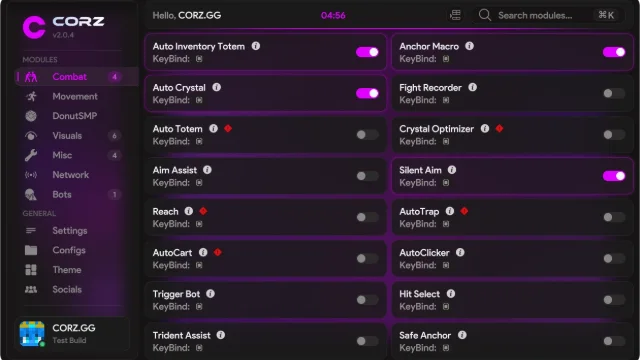
CORZ Client
Fabric1.21.11
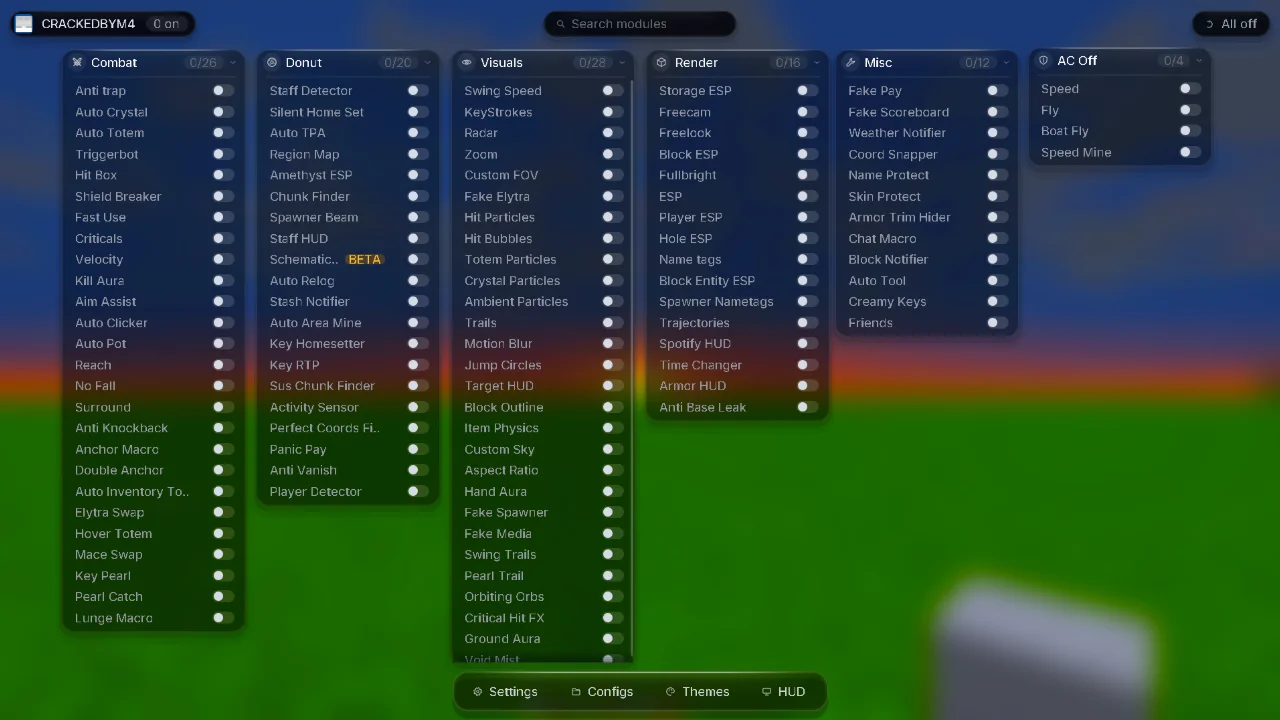
Purpose-built for servers like DonutSMP, Auto Schematic Builder and other features like a Mace Bot.
Pay? For a DonutSMP client?? You've got to be joking.
Pick a client, download, follow the numbered steps. Every client page tells you exactly which loader, version of Minecraft, and which folder you need. Just read the instructions clearly and you shouldn't run into any issues.
Every client lists its loader and Minecraft versions, so you know it works before you download.
Purpose-built for servers like DonutSMP, Auto Schematic Builder and other features like a Mace Bot.
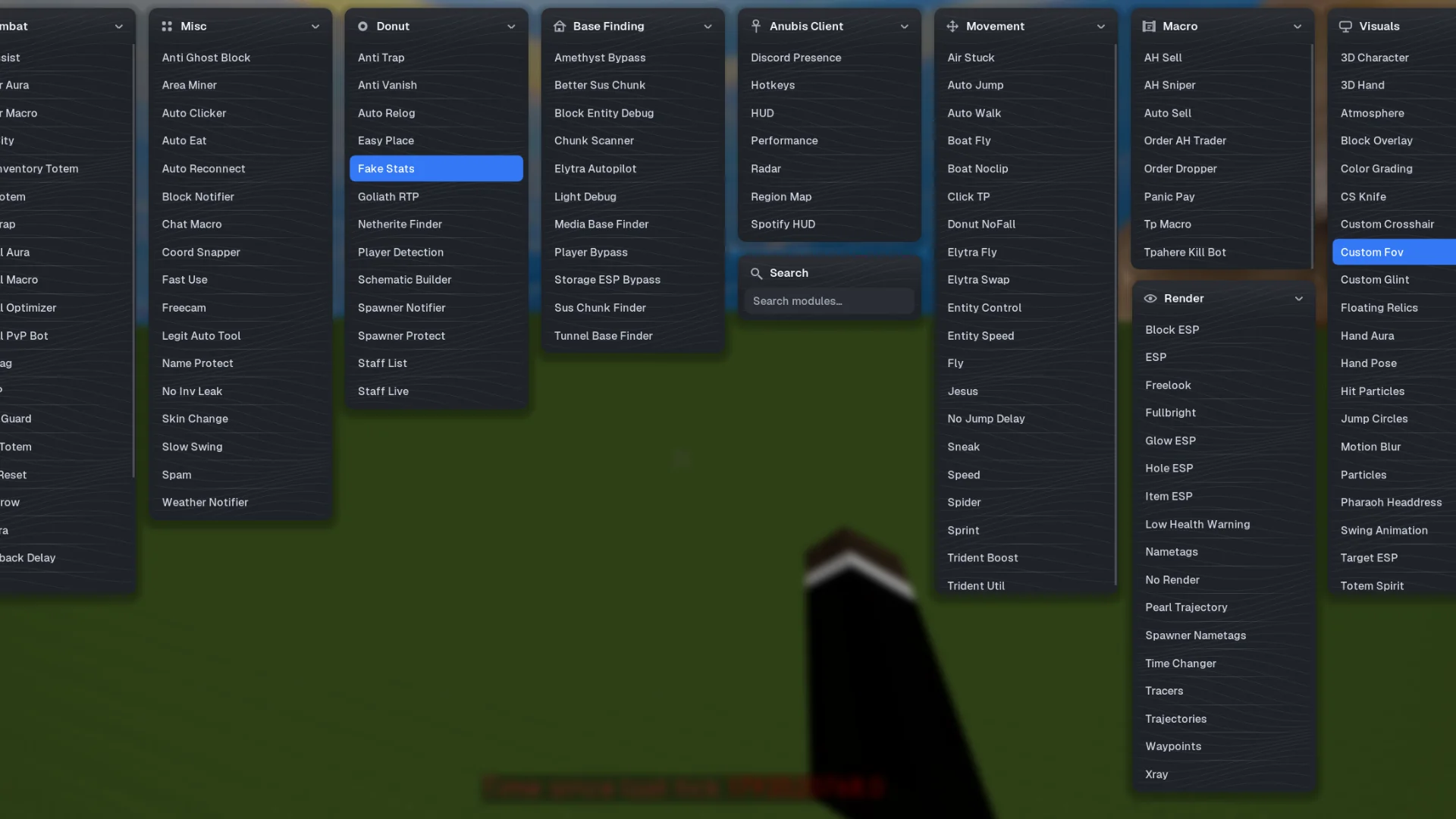
Anubis is a free Minecraft Fabric client featuring 120 modules for PvP, basefinding, DonutSMP utilities, movement, and visuals.
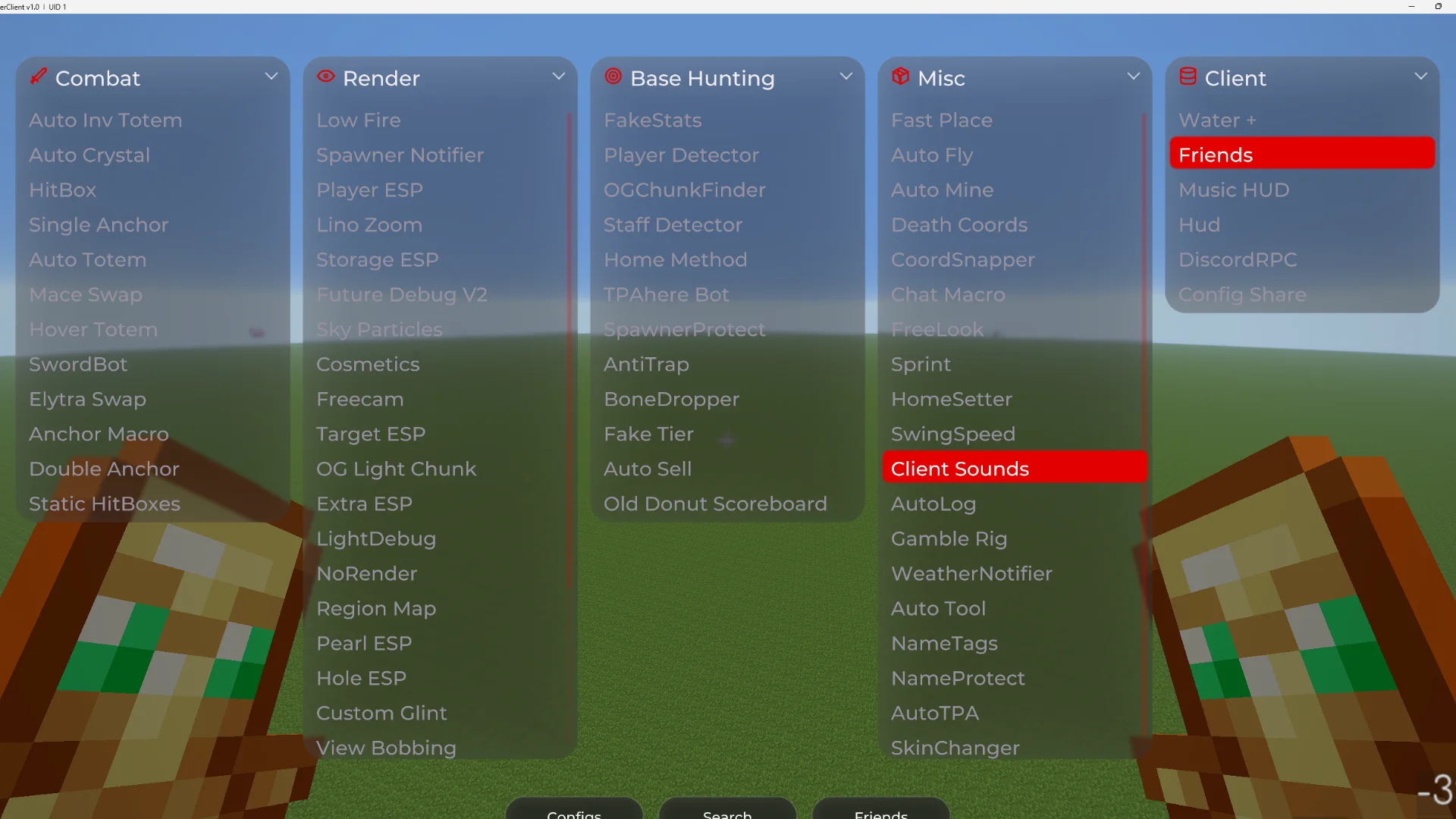
Krypton is a DonutSMP-focused Minecraft client featuring 80+ modules for PvP, basefinding, automation, and server utilities.

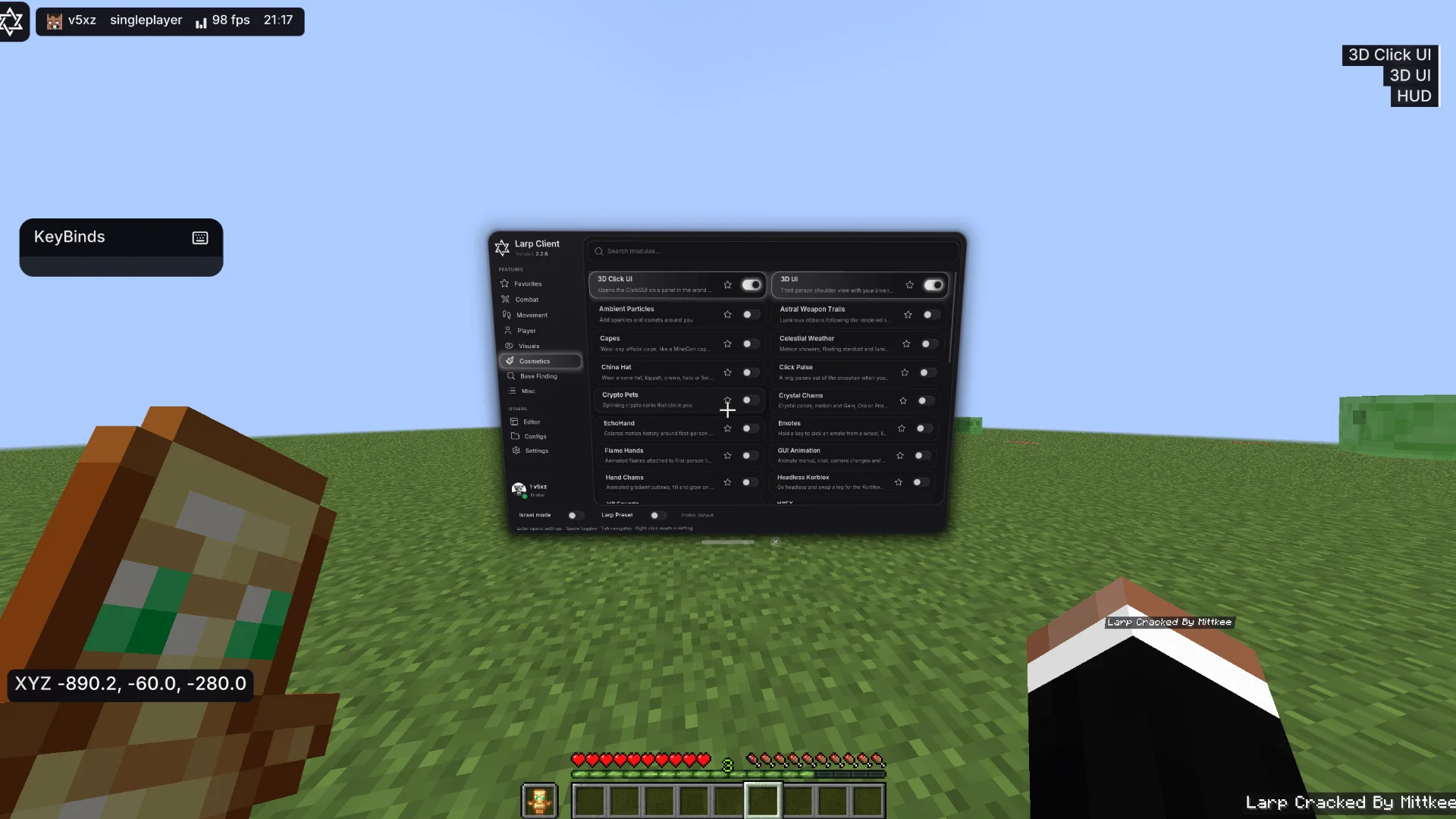
Larp Client is a feature-packed Minecraft client with 176 modules for PvP, basefinding, automation, visuals, and DonutSMP.

Echo Client is a premium Minecraft PvP client featuring advanced combat, ghost modules, spear and mace support, and visual enhancements.

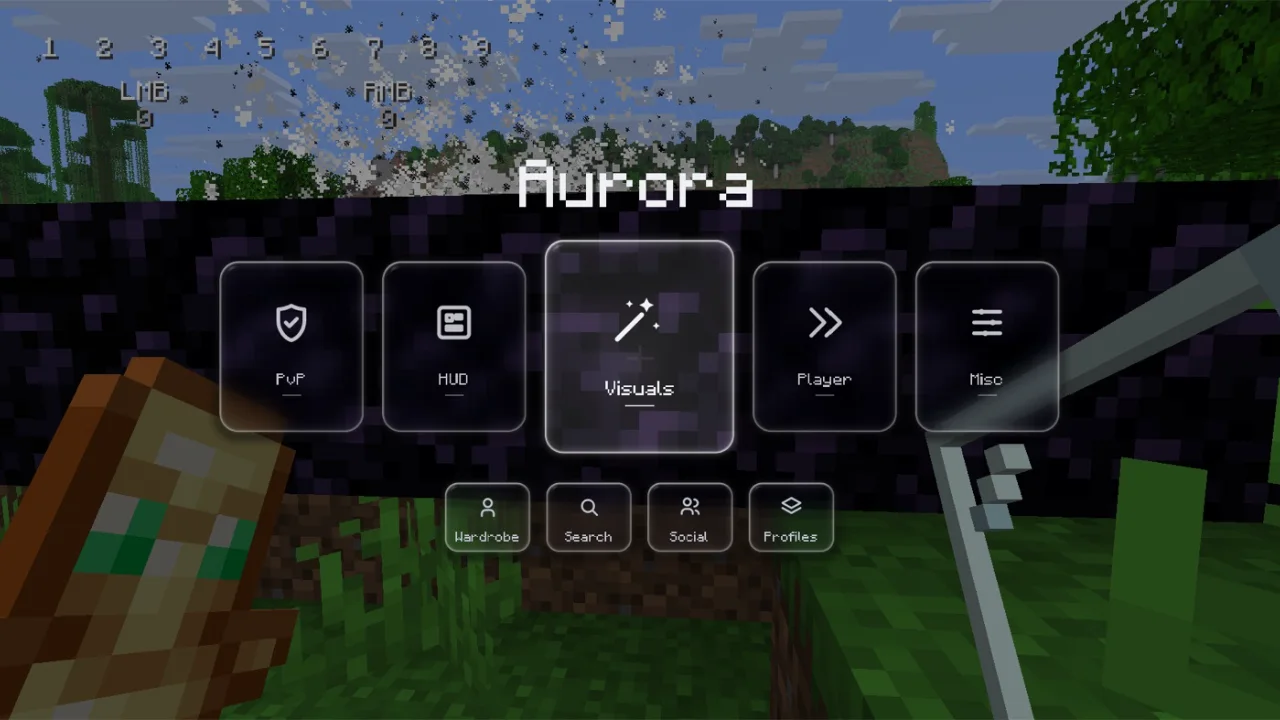
Aurora is a Crystal PvP client featuring crystal prediction, customisable HUDs, cosmetics, and shareable profiles.
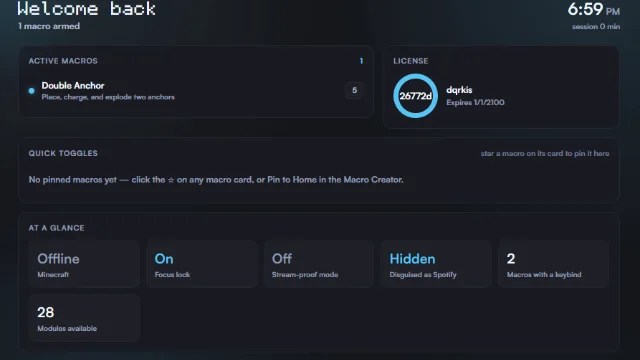
Dqrkis is a lightweight Minecraft PvP client with 50+ modules for Crystal PvP, combat automation, and DonutSMP utilities.
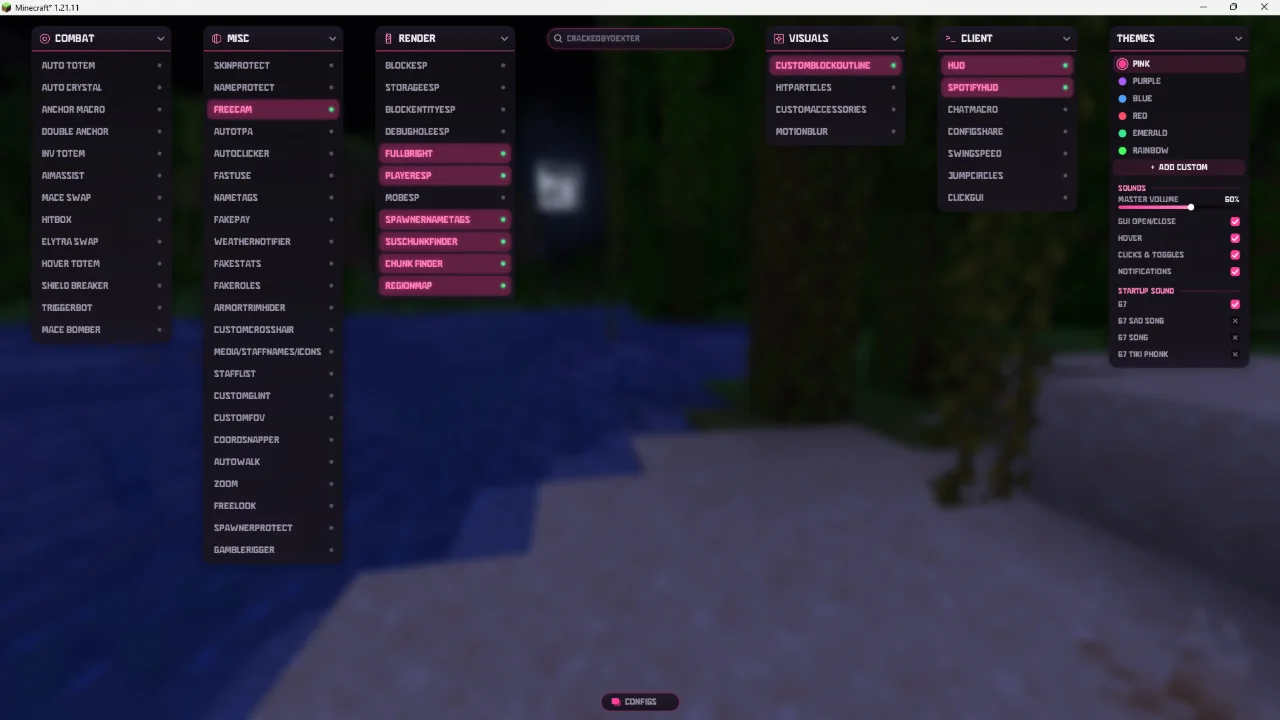
67Client is a DonutSMP-focused Minecraft client featuring combat, visual enhancements, and specialised server utility modules.
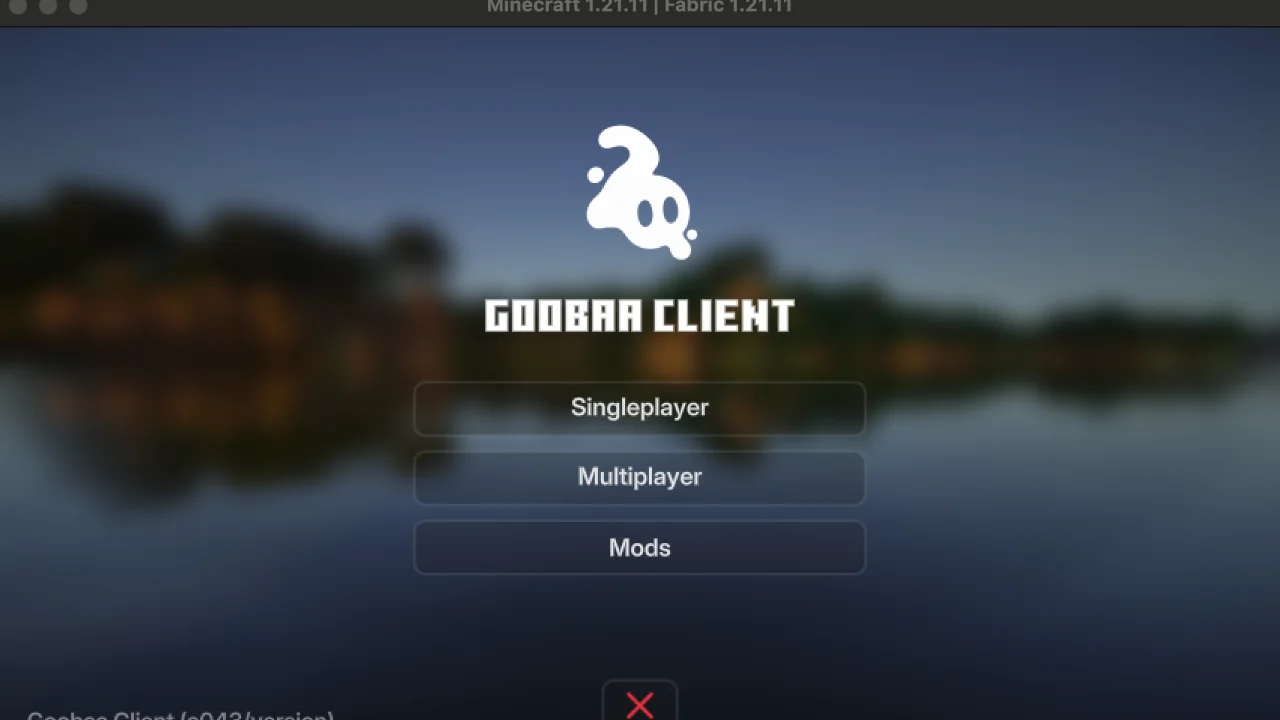
Gooba is a Minecraft DonutSMP utility client specialising in basefinding, stash detection, and tracking player activity.

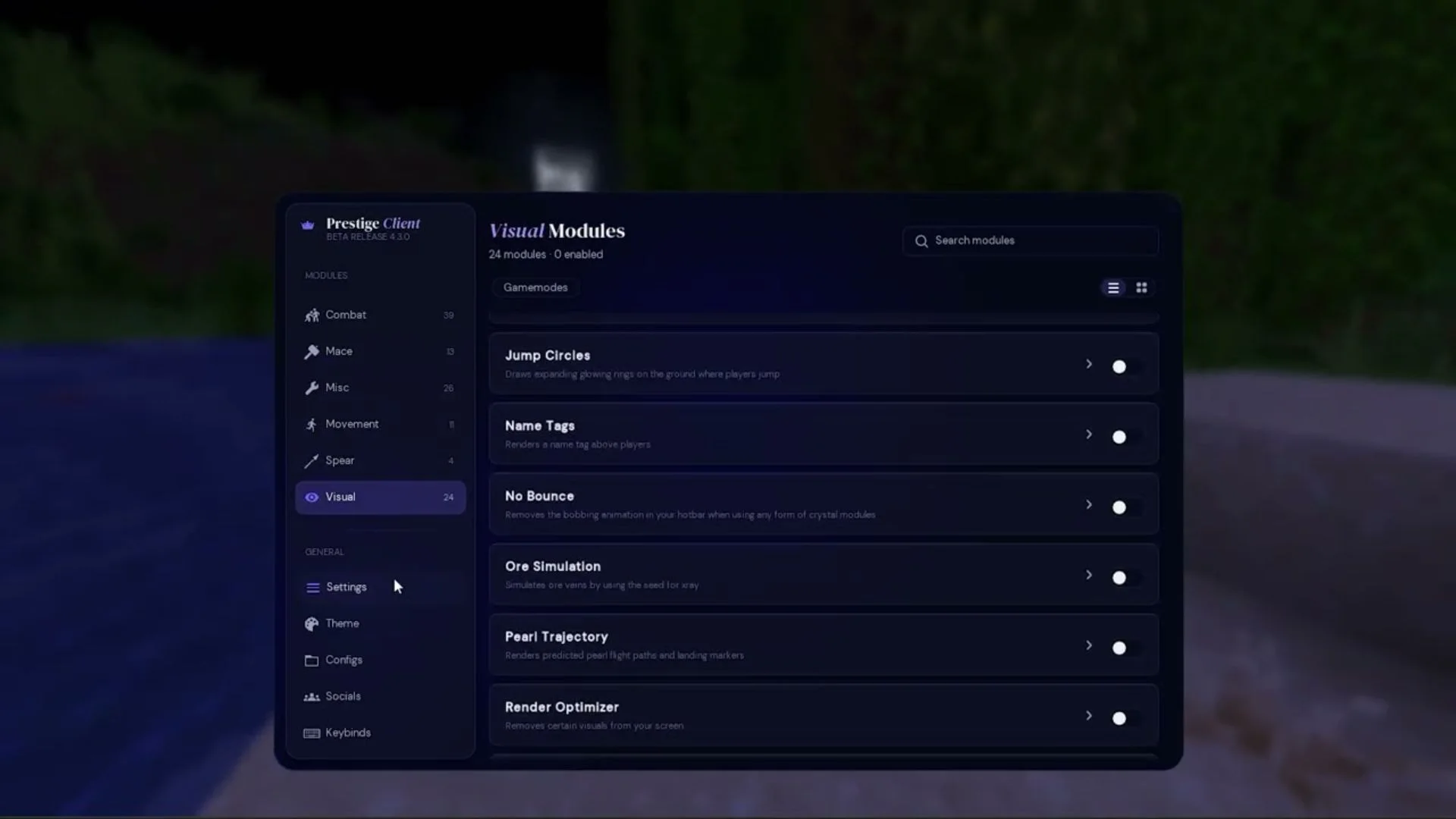
Prestige is a Minecraft PvP ghost client featuring advanced combat automation, aim assistance, and visual modules.
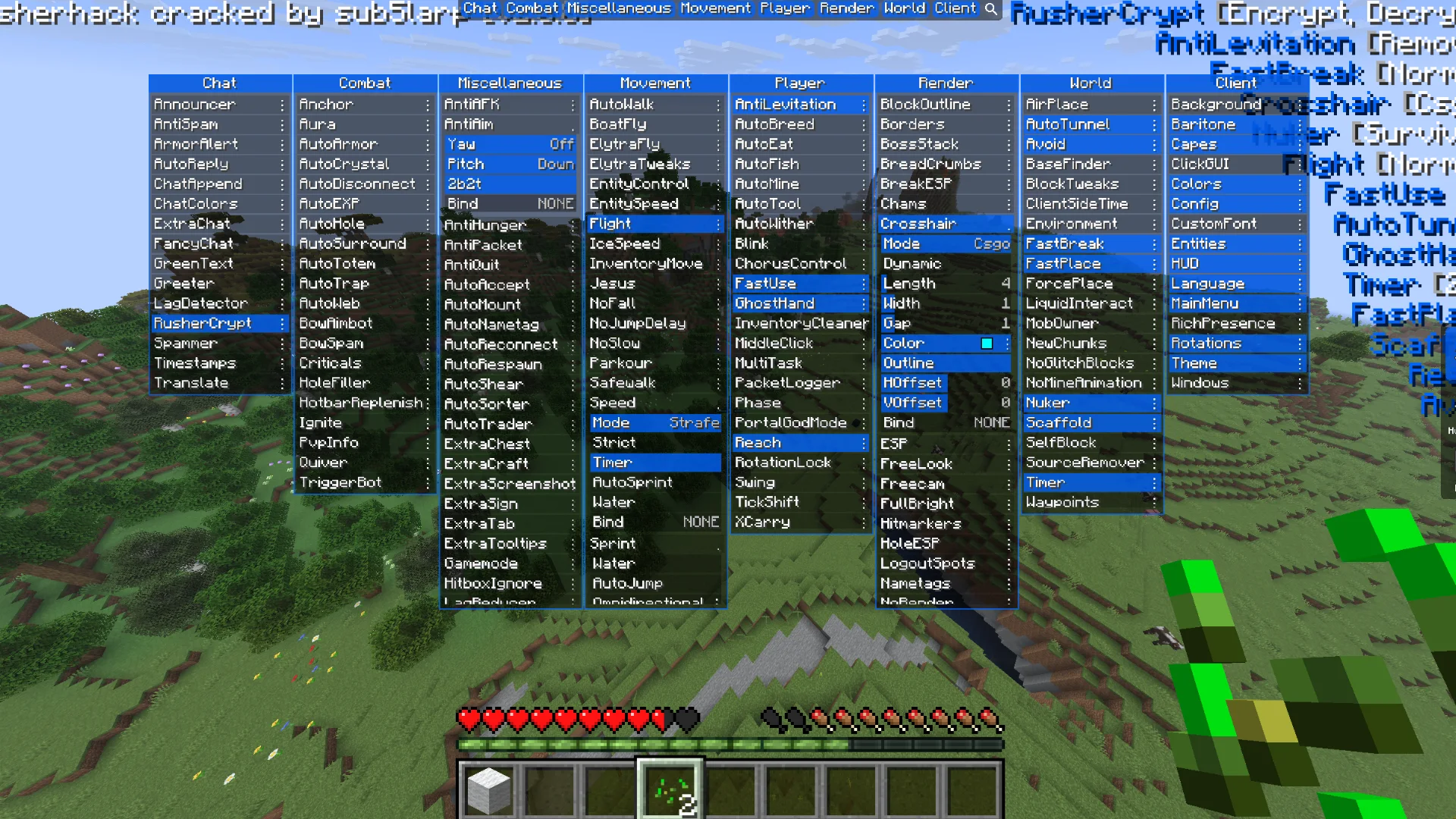
RusherHack is a premium Minecraft utility client featuring advanced PvP, anarchy tools, automation, and extensive customisation.
Nexon is a Minecraft utility client featuring advanced combat, DonutSMP tools, basefinding, and customisable visual enhancements.

Water Client is a lightweight Minecraft PvP client featuring beautiful visuals, FPS optimisation, and useful gameplay enhancements.
Zyron Client is a free Minecraft utility mod featuring custom skyboxes, atmospheric visuals, and useful in-game tools.
No clients match that search. Try a different word or version.
Most clients are Fabric mods. Here is the short version.
Put the client .jar into .minecraft/mods, along with anything it needs like Fabric API.
Choose the loader profile in the Minecraft Launcher and press Play.
Getting a client should not feel like a gamble.
Every client lists which file is for which Minecraft version, so you grab the right one first time.
Each client page has its own install steps for its loader, with the exact folder to use.
A Minecraft client never needs your Microsoft login. If a file asks for it, delete it.
You can check any file on VirusTotal before opening it.
Quick answers before you download.
Check the Minecraft version you play first. Every client card shows its supported versions and mod loader. Pick one that matches, then open its page for the exact install steps.
A mod loader such as Fabric or Forge lets Minecraft run mods. Each client page tells you which loader it needs and links to the official installer.
On Windows it is %appdata%\.minecraft. On macOS it is ~/Library/Application Support/minecraft. On Linux it is ~/.minecraft. Mods go in the mods folder inside it.
Only use the download buttons on the client pages here, which point to the official files. You can upload any file to VirusTotal before opening it. Never run a file that asks for your Microsoft password.
Yes, on servers that do not allow them. Use clients on anarchy servers, servers that permit them, or in single player.
Usually the client and Minecraft versions do not match, a required mod like Fabric API is missing, or two versions of the same mod are in the mods folder. The troubleshooting section of the install guide walks through each fix.